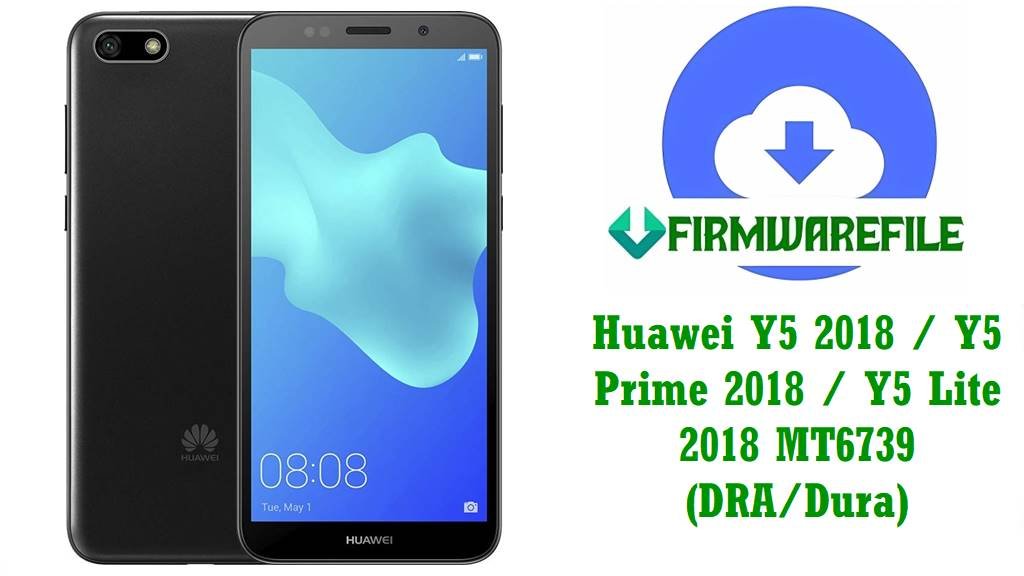
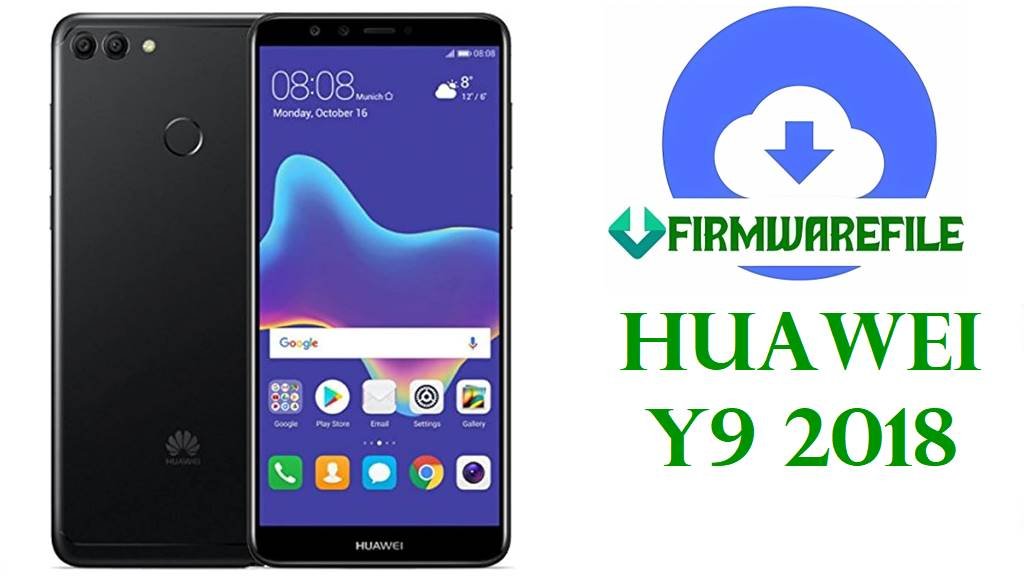
Huawei Y9 2018 (FLA-LX1, LX2, LX3, L21, AL10, TL10, Florida-L21/L22/L23) Firmware Download & Region Fixing/IMEI Repair Solutions
If your Huawei Y9 2018 is stuck in bootloop, suffers network drops, can’t bypass Google FRP, or faces IMEI/null fixes after an unsuccessful update, using the right, variant-matched firmware is critical for a safe recovery. This guide lists official and community repair files for region-specific issues and board-level repairs (especially on Africa/Middle East C185 region), and covers common errors like Anti-Rollback, Repair Pack, and password-protected MOS builds.
Huawei Y9 2018 Information
| Detail | Information |
|---|---|
| Device Name | Huawei Y9 2018 |
| Model Variants | FLA-LX1, LX2, LX3, L21, L22, L23, AL10, TL10, Florida-L21/L22/L23 |
| Board Codename | Florida |
| Region Codes | C185 (Africa/Middle East), C605 (LATAM), C636 (Asia), C10 (Russia/EU), C00 (China) |
| Chipset | Hisilicon Kirin 659 (16nm), Octa-core (4×2.36 GHz Cortex-A53 & 4×1.7 GHz Cortex-A53) |
| GPU | Mali-T830 MP2 |
| Battery | 4000mAh (non-removable) |
| Display | 5.93″ IPS LCD, 1080×2160, 407ppi |
| Android Version | 8.0/8.1 Oreo, 9.0 Pie (EMUI 8/9) |
| Release/Market | Global, Africa/Middle East, LATAM, Russia, Asia, China |
Firmware Downloads
| Filename | Android | Region | Type | Build | Use Case | Size | Special Notes | Download |
|---|---|---|---|---|---|---|---|---|
| Huawei_Y9_2018_FLA-LX1_RU_HLRCF_9.1.0.136_C10E5R1P5T8_9.0.0_R3_EMUI9.1.0_05015BLJ_Dload.zip | 9.0 | Russia/EU (C10) | Dload | 9.1.0.136 | Standard ROM update for FLA-LX1 (RU/EU) | 3.18GB | Latest update (check anti-rollback before downgrade) | Google Drive |
| FLA-LX1 9.1.0.163(C185E8R1P5T8)_MOS_password_protected.zip | 9.0 | Africa/Middle East (C185) | Dload (Password protected) | 9.1.0.163 | Advanced repair; IMEI/FRP/factory restore on LX1 Africa (needs password: ministryofsolutions.com FLALX1) | 3.1GB | Use ONLY for full restore/repair on C185/LX1 variant; check MOS forum for details | AndroidFileHost |
| Y9 2018 FLA-LX1 8.0 Repair imei And Reset Frp (C185).zip | 8.0 | Africa/Middle East (C185) | IMEI/FRP Repair Pack | 8.0.0 | Special IMEI & FRP repair on C185 | 2.4GB | Flash ONLY when network/IMEI/FRP not fixed by standard ROM | AndroidFileHost |
| Huawei_Y9_2018_FLA-LX2_8.0.0.121_C636_Firmware_Android8.0.0_EMUI8.0.0_05014YVT_Dload.zip | 8.0 | Asia (C636) | Dload | 8.0.0.121 | Recovery/repair for LX2 variant Asia | 2.51GB | Older build; only flash if newer fails | Google Drive |
| FLA-L21 9.1.0.120(C10E4R1P2T8)_Firmware_9.0.0_r3_EMUI9.1.0_05015BLJ.zip | 9.0 | Russia/EU (C10) | Dload | 9.1.0.120 | Standard update for Florida-L21 | 3.08GB | Google Drive | |
| Huawei_Y9_2018_FLA-LX3_8.0.0.138_C605_Firmware_8.0.0_R1_EMUI8.0_05015ATB_Dload.zip | 8.0 | LATAM (C605) | Dload | 8.0.0.138 | Standard ROM for LX3 LATAM region | 3.88GB | Google Drive | |
| Huawei_Y9_2018_Florida-L23_8.0.0.138_C605_Firmware_8.0.0_R1_EMUI8.0_05015ATB_Dload.zip | 8.0 | LATAM (C605), Florida-L23 | Dload | 8.0.0.138 | Standard Florida-L23 ROM for Americas region | 3.88GB | Google Drive | |
| Huawei_Y9_2018_Florida-L22_8.0.0.121_C636_Firmware_Android8.0.0_EMUI8.0.0_05014YVT_Dload.zip | 8.0 | Asia (C636), Florida-L22 | Dload | 8.0.0.121 | Older build for L22 Asia region | 2.51GB | Flash ONLY if standard update fails | Google Drive |
| FLA-L21 8.0.0.127_C185_8.0.0_R1_EMUI8.0_05015AKS_Dload.zip | 8.0 | Africa/Middle East (C185), L21 | Dload | 8.0.0.127 | Older update for Africa/MidEast | 2.49GB | Only for very old devices still on 8.0/EMUI8 | Google Drive |
| Board Software General Android 8.0 EMUI8.0 05022JEV.rar | 8.0 | Universal | Board/Repair | 1.0.0.46 | Only use for hardware repair/boot fix when all else fails | 1.2GB | Includes files for FLA-L21, L22, L23, TL10, AL00, AL10, AL20, board level flashing | AndroidFileHost |
| FLA-AL00C00B178/FLA-AL20C00B178/FLA-AL10C00B178.zip | 8.0 | China (C00) | Dload | 8.0.0.178 | ROM for Chinese variants | 1.72GB | Matches AL00, AL20, AL10 (China) | Google Drive |
Older builds (Android 8.0/EMUI8) are only for rollback/unbrick/repair uses. For IMEI/network/FRP fix use the appropriate variant or board software pack. Never flash across China/global/Asia/Africa regions or between board-level and user-level firmware unless specified by repair instructions.
Before You Begin ⚙️
- 💾 Back up all data: Flashing wipes user/data partition.
- 🔍 Check anti-rollback version: Especially if switching between EMUI8/9. Repair files may not work if your device is on post-EMUI9 builds.
- ⚡ Charge device to 60%+ before flashing.
- 💻 Dload flash requires SD card and all update.app files in “dload” folder.
- 🔑 For MOS files, use password: ministryofsolutions.com FLALX1
📱 Quick Flashing Guide (Dload Method)
- Download the correct firmware ZIP (e.g.
FLA-LX1 9.1.0.163(C185E8R1P5T8)_MOS_password_protected.zip) for your variant/region. - Extract the archive. Copy
UPDATE.APPfirmware files into a new folder nameddloadon your SD card. - Insert SD card into phone, power off, then hold Volume up + Volume down + Power until update begins.
- Wait for update to finish—phone will reboot to new ROM.
- If IMEI or FRP issues persist, repeat with board software/repair pack matching your variant.
For advanced board repair, IMEI fixing and fastboot/FRP tool method, see the pillar tutorial: Full Guide: Flash Huawei Firmware/Repair with Board Tools
Frequently Asked Questions (FAQs)
- Q1. How do I choose the right variant/region firmware?
- Always match About Phone model (FLA-LX1, L21, LX2, etc.) and region code (C185, C605, etc.). Africa/Middle East = C185, Latam = C605, China = C00, Asia = C636, Russia/EU = C10.
- Q2. Anti-Rollback error after flashing?
- Occurs if flashing lower build on device with higher anti-rollback index. Use only newer or same builds; fix may be impossible if ARB is tripped.
- Q3. IMEI/No service after flash?
- IMEI may be lost if wrong board software or repair pack flashed. Use only correct file for your variant and restore NV data if possible.
- Q4. What does the board repair firmware do?
- Flashes low-level software to revive dead boards or fix corrupt partitions. Not for normal updates.
- Q5. What if the phone won’t start update?
- Re-check dload structure, make sure correct files and SD card. Try another update pack or perform fastboot/board repair.