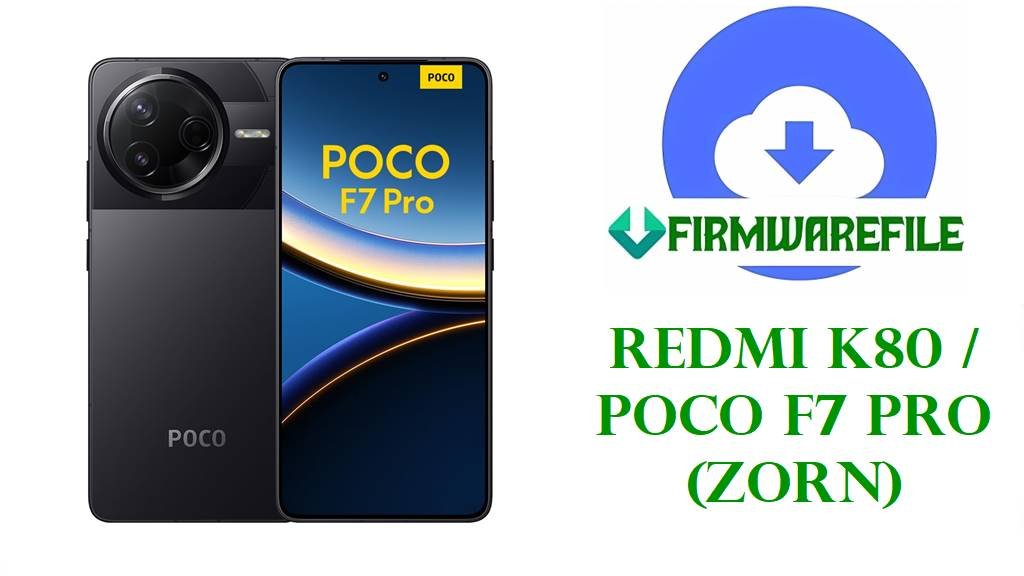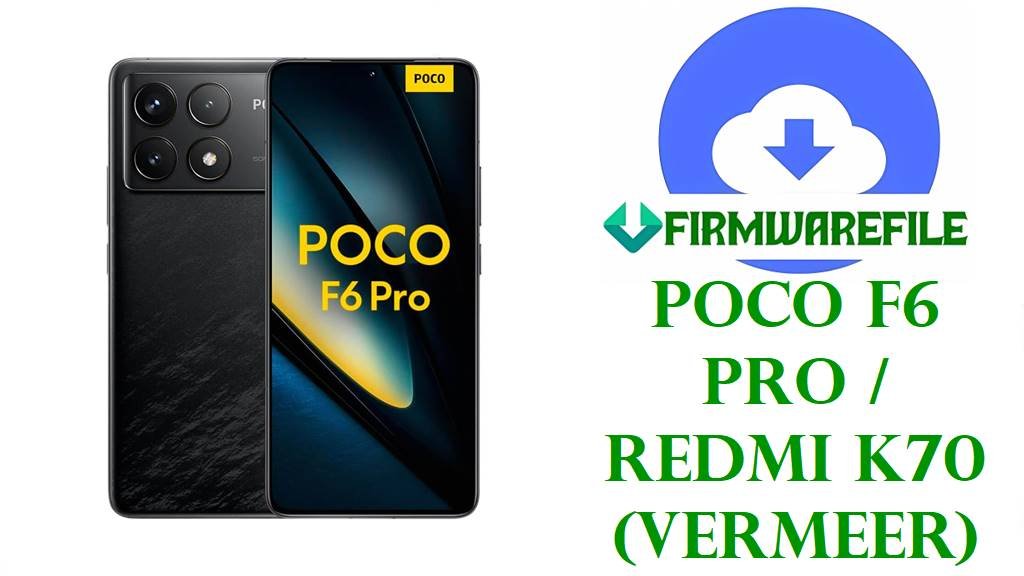
POCO F6 Pro / Redmi K70 HyperOS 3.0 & 2.0 Fastboot ROM (vermeer) Stock Firmware (Flash File)
On this page you can download the latest official POCO F6 Pro and Redmi K70 firmware (codename vermeer) including Android 16 HyperOS 3.0 and Android 15 HyperOS 2.0 Fastboot ROMs for China, Global, Russia, EEA and Taiwan, plus a stable xiaomi.eu custom ROM. These full .tgz Fastboot packages are ideal for unbricking, fixing bootloops after OTA, or restoring a rooted/custom ROM device back to 100% stock HyperOS.
The newest builds here are OS3.0.4.0.WNKMIXM Global and OS3.0.2.0.WNKCNXM China, both Android 16 HyperOS 3.0, followed by Android 15 HyperOS 2.0 regional ROMs for Russia (VNKRUXM), EEA (VNKEUXM) and Taiwan (VNKTWXM). A xiaomi.eu_VERMEER_OS3.0.4.0.WNKCNXM_16.zip custom ROM based on the China Android 16 base offers a debloated, Google‑ready HyperOS 3.0 experience with multi‑language support.
flash_all.bat script on an unlocked bootloader.1. Confirm Your vermeer Variant and Region
Redmi K70 China and POCO F6 Pro Global share the same internal codename vermeer, but Xiaomi ships separate region tracks (China CNXM, Global MIXM, Russia RUXM, EEA EUXM, Taiwan TWXM) with different modem and carrier configs. Flashing a ROM whose suffix does not match your device can break network, VoLTE, or OTA updates, so always check both codename and region first.
- Open Settings → About phone → Version and read the full HyperOS build, for example
OS3.0.4.0.WNKMIXMorOS2.0.210.0.VNKEUXM. - Write down the last 7 letters (WNKCNXM, WNKMIXM, VNKRUXM, VNKEUXM, VNKTWXM).
- In Fastboot mode, run
fastboot getvar producton a PC: it must return vermeer before using these images.
| Suffix on your phone | Region / Device | Firmware row to use |
|---|---|---|
| WNKCNXM | China – Redmi K70 (Android 16 HyperOS 3.0) | China ROM – OS3.0.2.0.WNKCNXM |
| WNKMIXM | Global – POCO F6 Pro (Android 16 HyperOS 3.0) | Global ROM – OS3.0.4.0.WNKMIXM |
| VNKRUXM | Russia (RUXM) – HyperOS 2.0 Android 15 | Russia ROM – OS2.0.207.0.VNKRUXM |
| VNKEUXM | EEA / Europe (EUXM) – HyperOS 2.0 Android 15 | EEA ROM – OS2.0.210.0.VNKEUXM |
| VNKTWXM | Taiwan (TWXM) – HyperOS 2.0 Android 15 | Taiwan ROM – OS2.0.207.0.VNKTWXM |
2. Direct ROM Downloads (HyperOS 3.0 & 2.0, Newest First)
The table below lists official Fastboot ROMs and one xiaomi.eu custom ROM for vermeer, ordered from the latest Android 16 Global/China bases down to Android 15 regional builds.
| Filename | Region / Target Variant | Android / HyperOS | Build Date | File Size | Flashing Type | Download |
|---|---|---|---|---|---|---|
| vermeer_global_images_OS3.0.4.0.WNKMIXM_20251126.0000.00_16.0_global_ef7324d71b.tgz | Global ROM – POCO F6 Pro / Redmi K70 (WNKMIXM) | Android 16, HyperOS 3.0.4.0.WNKMIXM | 2025‑11‑26 | 9.46 GB | Official Fastboot ROM (Mi Flash / fastboot) | Download OS3.0.4.0.WNKMIXM |
| xiaomi.eu_VERMEER_OS3.0.4.0.WNKCNXM_16.zip | xiaomi.eu custom ROM – based on China OS3.0.4.0 (vermeer) | Android 16, HyperOS 3.0.4.0 China base | 2025‑??‑?? | 6.83 GB | Custom ROM zip (TWRP / Fastboot installer) | Download xiaomi.eu OS3.0.4.0 |
| vermeer_images_OS3.0.2.0.WNKCNXM_20251106.0000.00_16.0_cn_5ed6693eca.tgz | China ROM – Redmi K70 / POCO F6 Pro (WNKCNXM) | Android 16, HyperOS 3.0.2.0.WNKCNXM | 2025‑11‑06 | 8.96 GB | Official Fastboot ROM (Mi Flash / fastboot) | Download OS3.0.2.0.WNKCNXM |
| vermeer_ru_global_images_OS2.0.207.0.VNKRUXM_20251028.0000.00_15.0_ru_53e6491bf2.tgz | Russia ROM – POCO F6 Pro / Redmi K70 (VNKRUXM) | Android 15, HyperOS 2.0.207.0.VNKRUXM | 2025‑10‑28 | 9.40 GB | Official Fastboot ROM (Mi Flash / fastboot) | Download OS2.0.207.0.VNKRUXM |
| vermeer_eea_global_images_OS2.0.210.0.VNKEUXM_20251027.0000.00_15.0_eea_0d74b3903c.tgz | EEA ROM – POCO F6 Pro / Redmi K70 Europe (VNKEUXM) | Android 15, HyperOS 2.0.210.0.VNKEUXM | 2025‑10‑27 | 8.60 GB | Official Fastboot ROM (Mi Flash / fastboot) | Download OS2.0.210.0.VNKEUXM |
| vermeer_tw_global_images_OS2.0.207.0.VNKTWXM_20251027.0000.00_15.0_tw_2a2c86f36c.tgz | Taiwan ROM – POCO F6 Pro / Redmi K70 (VNKTWXM) | Android 15, HyperOS 2.0.207.0.VNKTWXM | 2025‑10‑27 | 7.43 GB | Official Fastboot ROM (Mi Flash / fastboot) | Download OS2.0.207.0.VNKTWXM |
3. What HyperOS 3.0 / 2.0 Updates Fix on vermeer
HyperOS 3.0.4.0.WNKMIXM is the Android 16 update that brings POCO F6 Pro Global a new Super Island UI, updated security patch and several performance and stability improvements over HyperOS 2.0. HyperOS 3.0.2.0.WNKCNXM does the same for Redmi K70 China, with changelog items like smoother blur effects, new Calendar views, richer Recorder transcription features and smarter notification/clipboard handling.
The HyperOS 2.0 Android 15 builds for Russia, EEA and Taiwan include late‑2025 security patches and fix issues like minor UI lag, occasional 5G/4G switching glitches and launcher crashes reported by early adopters. These Fastboot ROMs are especially useful when repairing bootloops after OTA, removing problematic Magisk modules or moving back from custom ROMs and GSIs to fully stock firmware. Typical use cases:
- Unbrick / fix Fastboot loop: Restore a device stuck on the HyperOS logo or locked in Fastboot mode after a failed OTA or root tweak.
- Clean upgrade to Android 16: Move from Android 15 HyperOS 2.0 to a fresh HyperOS 3.0 system with updated security and features.
- Switch to xiaomi.eu: Install xiaomi.eu on vermeer to keep HyperOS 3.0 features while removing China‑only apps and adding full Google & language support.
4. Flashing Guides and Tools for vermeer
For all official vermeer Fastboot .tgz ROMs, Xiaomi recommends using Mi Flash Tool on Windows with the phone in Fastboot mode and bootloader unlocked. A full, screenshot‑based tutorial is here: How to flash Xiaomi firmware with Mi Flash Tool. If you want to use the built‑in scripts instead, follow this guide for the included flash_all.bat and related Fastboot commands: How to flash stock firmware using flash_all.bat.
To install xiaomi.eu_VERMEER_OS3.0.4.0.WNKCNXM_16.zip, you normally need an unlocked bootloader and a compatible custom recovery (TWRP/OrangeFox) or the xiaomi.eu Fastboot installer, depending on the release format. Always read the official xiaomi.eu vermeer thread, back up important data, and avoid mixing firmware from different Android major versions to reduce brick risk.