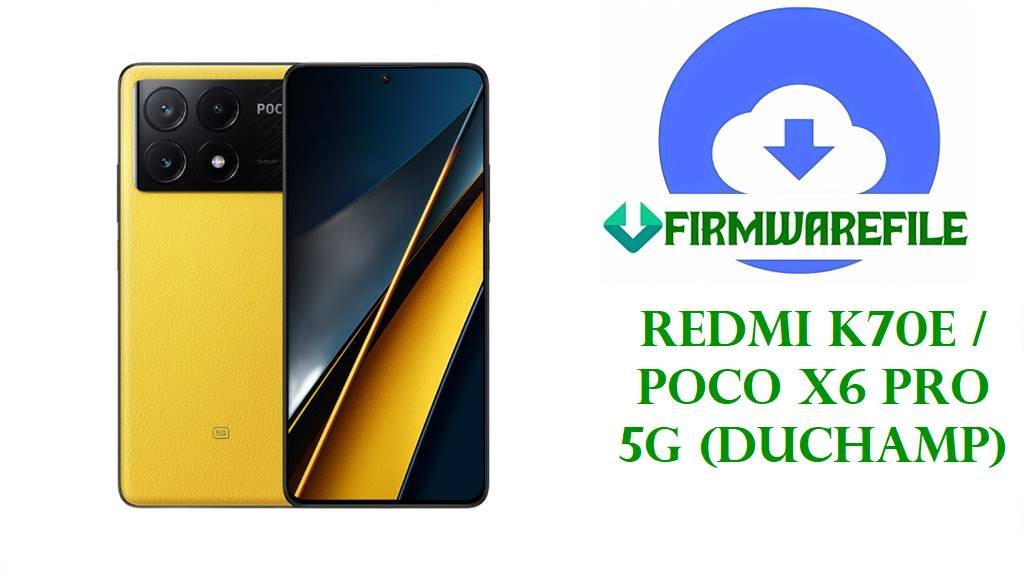
POCO X6 Pro 5G / Redmi K70E HyperOS 3.0 & 2.0 Fastboot ROM (duchamp) Flash File
On this page you can download the latest official POCO X6 Pro 5G and Redmi K70E firmware (codename duchamp) including Android 16 HyperOS 3.0 China and Android 15 HyperOS 2.0 Fastboot ROMs for Global, Russia, Indonesia, India, EEA and Taiwan regions. These full .tgz Fastboot packages from Xiaomi’s bigota/hugeota CDN are perfect for unbricking, fixing bootloops after OTA, or restoring a rooted/custom ROM device back to clean stock HyperOS.
The newest build here is OS3.0.3.0.WNLCNXM (Android 16, China) for Redmi K70E / POCO X6 Pro 5G, followed by multiple HyperOS 2.0 Android 15 regional Fastboot ROMs such as Global OS2.0.207.0.VNLMIXM, Russia OS2.0.208.0.VNLRUXM, Indonesia OS2.0.208.0.VNLIDXM, India OS2.0.208.0.VNLINXM, EEA OS2.0.209.0.VNLEUXM and Taiwan OS2.0.207.0.VNLTWXM. A community xiaomi.eu custom ROM based on HyperOS 3.0 China is also included for users who want a debloated, multi‑language experience with Google services out of the box.
flash_all.bat script on an unlocked bootloader.1. Confirm Your duchamp Region and Variant
Redmi K70E and POCO X6 Pro 5G share the same internal codename duchamp, but Xiaomi ships different region tracks (China CNXM, Global MIXM, Russia RUXM, EEA EUXM, Indonesia IDXM, India INXM, Taiwan TWXM) with unique modem and carrier configs. Flashing a mismatched region may cause network issues, SafetyNet problems, or loss of OTA, so always match the suffix on your phone with the ROM you download.
- Open Settings → About phone → Version and read the full HyperOS build, for example
OS2.0.207.0.VNLMIXMorOS3.0.3.0.WNLCNXM. - Write down the last 7 letters (WNLCNXM, VNLMIXM, VNLRUXM, VNLIDXM, VNLINXM, VNLEUXM, VNLTWXM).
- In Fastboot mode, you can run
fastboot getvar producton your PC to double‑check that the product is duchamp before flashing.
| Suffix on your phone | Region / Branch | Firmware row to use |
|---|---|---|
| WNLCNXM | China HyperOS 3.0 (Android 16) | China ROM – OS3.0.3.0.WNLCNXM |
| VNLMIXM | Global (MIXM) HyperOS 2.0 | Global ROM – OS2.0.207.0.VNLMIXM |
| VNLRUXM | Russia (RUXM) HyperOS 2.0 | Russia ROM – OS2.0.208.0.VNLRUXM |
| VNLIDXM | Indonesia (IDXM) HyperOS 2.0 | Indonesia ROM – OS2.0.208.0.VNLIDXM |
| VNLINXM | India (INXM) HyperOS 2.0 | India ROM – OS2.0.208.0.VNLINXM |
| VNLEUXM | EEA / Europe (EUXM) HyperOS 2.0 | EEA ROM – OS2.0.209.0.VNLEUXM |
| VNLTWXM | Taiwan (TWXM) HyperOS 2.0 | Taiwan ROM – OS2.0.207.0.VNLTWXM |
2. Direct Fastboot & Custom ROM Downloads (Newest First)
All ROMs listed here are full images: the first is Android 16 HyperOS 3.0 China Fastboot, followed by Android 15 HyperOS 2.0 regional Fastboot builds, and a xiaomi.eu custom ROM zip based on the same China base.
| Filename | Region / Target Variant | Android / HyperOS | Build Date | File Size | Flashing Type | Download |
|---|---|---|---|---|---|---|
| duchamp_images_OS3.0.3.0.WNLCNXM_20251122.0000.00_16.0_cn_c5ca72d17e.tgz | China ROM – Redmi K70E / POCO X6 Pro 5G (WNLCNXM) | Android 16, HyperOS 3.0.3.0.WNLCNXM | 2025‑11‑22 | 8.44 GB | Official Fastboot ROM (Mi Flash / fastboot) | Download OS3.0.3.0.WNLCNXM |
| duchamp_global_images_OS2.0.207.0.VNLMIXM_20251103.0000.00_15.0_global_6161ab5af7.tgz | Global ROM – POCO X6 Pro 5G / Redmi K70E (VNLMIXM) | Android 15, HyperOS 2.0.207.0.VNLMIXM | 2025‑11‑03 | 8.21 GB | Official Fastboot ROM (Mi Flash / fastboot) | Download OS2.0.207.0.VNLMIXM |
| duchamp_ru_global_images_OS2.0.208.0.VNLRUXM_20251103.0000.00_15.0_ru_2353b96a5a.tgz | Russia ROM – POCO X6 Pro 5G / Redmi K70E (VNLRUXM) | Android 15, HyperOS 2.0.208.0.VNLRUXM | 2025‑11‑03 | 8.45 GB | Official Fastboot ROM (Mi Flash / fastboot) | Download OS2.0.208.0.VNLRUXM |
| duchamp_id_global_images_OS2.0.208.0.VNLIDXM_20251103.0000.00_15.0_id_e9cc8a4815.tgz | Indonesia ROM – POCO X6 Pro 5G / Redmi K70E (VNLIDXM) | Android 15, HyperOS 2.0.208.0.VNLIDXM | 2025‑11‑03 | 7.68 GB | Official Fastboot ROM (Mi Flash / fastboot) | Download OS2.0.208.0.VNLIDXM |
| duchamp_in_global_images_OS2.0.208.0.VNLINXM_20251103.0000.00_15.0_in_ae6c946c57.tgz | India ROM – POCO X6 Pro 5G / Redmi K70E (VNLINXM) | Android 15, HyperOS 2.0.208.0.VNLINXM | 2025‑11‑03 | 7.02 GB | Official Fastboot ROM (Mi Flash / fastboot) | Download OS2.0.208.0.VNLINXM |
| duchamp_eea_global_images_OS2.0.209.0.VNLEUXM_20251024.0000.00_15.0_eea_5d48571ed6.tgz | EEA ROM – POCO X6 Pro 5G / Redmi K70E Europe (VNLEUXM) | Android 15, HyperOS 2.0.209.0.VNLEUXM | 2025‑10‑24 | 7.66 GB | Official Fastboot ROM (Mi Flash / fastboot) | Download OS2.0.209.0.VNLEUXM |
| duchamp_tw_global_images_OS2.0.207.0.VNLTWXM_20251103.0000.00_15.0_tw_e17d9fbc41.tgz | Taiwan ROM – POCO X6 Pro 5G / Redmi K70E (VNLTWXM) | Android 15, HyperOS 2.0.207.0.VNLTWXM | 2025‑11‑03 | 6.49 GB | Official Fastboot ROM (Mi Flash / fastboot) | Download OS2.0.207.0.VNLTWXM |
| xiaomi.eu_DUCHAMP_OS3.0.2.0.WNLCNXM_16.zip | xiaomi.eu custom ROM – based on China OS3.0.2.0 (duchamp) | Android 16, HyperOS 3.0.2.0 base | 2025‑??‑?? | ~6.0 GB | Custom Recovery / Fastboot (xiaomi.eu install) | Download xiaomi.eu OS3.0.2.0 |
3. What HyperOS 3.0 / 2.0 Updates Fix on duchamp
HyperOS 3.0.3.0.WNLCNXM for Redmi K70E / POCO X6 Pro 5G upgrades the phone to Android 16, bumps the security patch and further improves system security and smoothness over HyperOS 2.0 China builds. Users report better overall performance, refined animations and improved compatibility with the latest apps, especially high‑refresh‑rate games and social media.
The HyperOS 2.0 Android 15 builds (OS2.0.207.0 / 208.0 / 209.0) for Global, Russia, EEA, India, Indonesia and Taiwan tracks include November 2025 security patches and multiple under‑the‑hood stability optimisations. They help fix random reboots, minor UI stutters, occasional 5G/4G switching glitches and launcher crashes that some early HyperOS releases showed on duchamp devices. These Fastboot ROMs are particularly useful when you need to:
- Unbrick from Fastboot or bootloop: Restore a device stuck on the HyperOS logo or Fastboot screen after a failed mod or OTA.
- Clean‑install from custom ROM: Move back from custom ROMs or GSIs (including HyperOS‑based GSIs) to official stock HyperOS with working OTA and banking apps.
- Remove root and mods: Get rid of Magisk, custom kernels and modules that caused overheating, lag or battery drain.
4. Flashing Guides and Tools for duchamp
For all official duchamp Fastboot .tgz ROMs, Xiaomi recommends using Mi Flash Tool on Windows together with an unlocked bootloader and the phone in Fastboot mode. A complete step‑by‑step tutorial is available here: How to flash Xiaomi firmware with Mi Flash Tool. If you prefer the built‑in scripts, see: How to flash stock firmware using flash_all.bat.