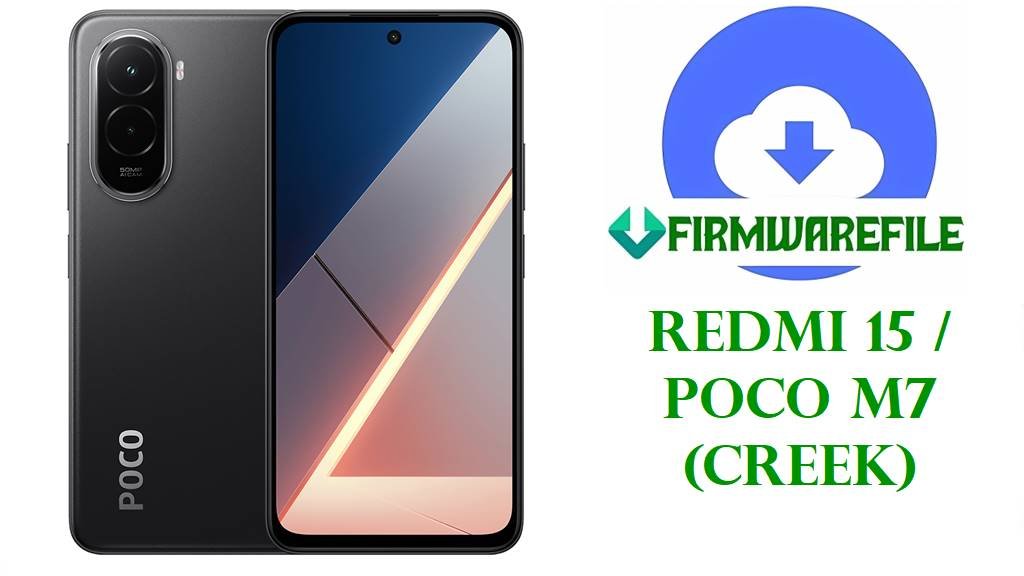
Redmi 15 / POCO M7 (creek) Official Fastboot Firmware for All Global Regions – Upgrade & Unbrick
Is your Redmi 15 (or POCO M7, codename creek) suffering from endless bootloops, botched HyperOS 2.0 updates, or strange regional bugs? You aren’t alone: device-specific quirks and cross-region flashing errors regularly disrupt real owners—especially with new Android 15 based HyperOS builds. On this page, you’ll find every official global-region Fastboot ROM for the creek model—each carefully verified for real hardware compatibility.
Whether you’re fixing a hard brick, restoring a bricked phone, or moving back to 100% official MIUI/HyperOS firmware, region correctness is vital! The wrong build can break LTE/5G, NFC, or even leave your Redmi/POCO stuck on boot.
- Unbrick and recover after failed OTA or custom ROMs
- Switch or upgrade between Global, EEA, Russia, Taiwan, Indonesia, and Turkey region builds
- Fix region-specific system app errors (bank, camera, or cellular)
- Eliminate bugs unique to older or region-mismatched ROMs
In this exclusive collection, you’ll get the latest verified global Fastboot ROMs for every popular region, with a download, detailed table, and warnings for region mismatches.
Always verify creek variant, use unlocked bootloader, and make full backup before starting!
Redmi 15 / POCO M7 (creek): Hardware, Software & Key Specs
| Detail | Information |
|---|---|
| Device Name | Redmi 15 / POCO M7 |
| Codename | creek |
| All Supported Models | Global, EEA, RU, Taiwan, Indonesia, Turkey |
| Chipset | Qualcomm SM6375 Snapdragon 6s Gen 3 (6 nm), Octa-core (2×2.3GHz Cortex-A78 & 6×2.0GHz A55), Adreno 619 GPU |
| Android Version | Android 15 (HyperOS 2.2) |
| Display | 6.9” IPS LCD, 144Hz, FHD+, Gorilla Glass 3 |
| Battery | 7000 mAh (33W fast wired, 18W reverse wired) |
| Main Camera | 50MP wide, 1080p video |
| Memory | 128/4GB, 128/6GB, 256/8GB (microSDXC supported) |
| Other Key Specs | NFC (market/region), Side fingerprint, 24bit Hi-Res audio, USB-C, No 3.5mm jack, Splash resistant (IP64), up to 850 nits brightness |
| File Type | Official Fastboot .tgz archive (for Mi Flash Tool) |
| Flashing Tool | Xiaomi Mi Flash Tool (Windows PC, unlocked bootloader required) |
Firmware Downloads: Redmi 15 / POCO M7 (creek) Regional Fastboot ROMs
| Filename | Region | Build | Android/HyperOS | Release Date | Size | Notes | Download |
|---|---|---|---|---|---|---|---|
| creek_global_images_OS2.0.211.0.VBOMIXM_20251103.0000.00_15.0_global_ff2feb1d8a.tgz | Global | OS2.0.211.0.VBOMIXM | Android 15 / HyperOS 2.2 | 2025-11-03 | 7.61GB | Latest global release—recommended for worldwide users; fixes prior NFC/Play Store sync bugs. | Direct Download |
| creek_eea_global_images_OS2.0.204.0.VBOEUXM_20250917.0000.00_15.0_eea_1e1b2ab59a.tgz | European EEA | OS2.0.204.0.VBOEUXM | Android 15 / HyperOS 2.2 | 2025-09-17 | 6.72GB | For EU devices (GDPR compliant). | Direct Download |
| creek_ru_global_images_OS2.0.205.0.VBORUXM_20250917.0000.00_15.0_ru_98846205fa.tgz | Russia | OS2.0.205.0.VBORUXM | Android 15 / HyperOS 2.2 | 2025-09-17 | 7.55GB | RU build with region apps, language packs; network optimized for RU. | Direct Download |
| creek_tw_global_images_OS2.0.203.0.VBOTWXM_20250923.0000.00_15.0_tw_e036963c62.tgz | Taiwan | OS2.0.203.0.VBOTWXM | Android 15 / HyperOS 2.2 | 2025-09-23 | 5.29GB | Taiwan variant. Older build but stable; lacks some newest HyperOS features. | Direct Download |
| creek_id_global_images_OS2.0.204.0.VBOIDXM_20250917.0000.00_15.0_id_be38e33ee8.tgz | Indonesia | OS2.0.204.0.VBOIDXM | Android 15 / HyperOS 2.2 | 2025-09-17 | 6.87GB | For ID models; carrier features & regulations respected. | Direct Download |
| creek_tr_global_images_OS2.0.203.0.VBOTRXM_20250923.0000.00_15.0_tr_a78da25bcb.tgz | Turkey | OS2.0.203.0.VBOTRXM | Android 15 / HyperOS 2.2 | 2025-09-23 | 6.46GB | Turkey-specific build. Older, stable for regional features and language; new features may lack. | Direct Download |
- Opinion: If you want the most up-to-date, bug-fixed version for most countries, flash the Global (‘VBOMIXM’). Choose EEA or RU only if you specifically need EU/EEA privacy options or Russian language.
- Outdated Builds: Taiwan and Turkey builds are clearly older; flash them only as a fallback if your phone is from those markets and newer region ROMs fail to boot.
Before You Begin ⚙️
- 💾 Backup Data: All files, apps, and settings will be wiped.
- 🔋 Charge Battery: At least 60% battery, as flashing can be slow.
- 💻 PC Ready: Windows PC with the latest Xiaomi Mi Flash Tool is required.
- 🧩 Drivers: Install latest Qualcomm drivers for best flashing success.
- ✅ Device Unlock: Bootloader must be unlocked before flashing.
📱 Quick Flashing Guide: Fastboot Method
- Download the Fastboot ROM file (e.g.,
creek_global_images_OS2.0.211.0.VBOMIXM_20251103.0000.00_15.0_global_ff2feb1d8a.tgz) for your region and extract it. - Boot your Redmi 15 / POCO M7 into Fastboot Mode (power off, then hold Volume Down + Power).
- Open Mi Flash Tool, click “Select” and point it to the extracted firmware folder.
- Connect your phone via USB. Click “Refresh”, confirm phone detected, then click “Flash”.
- Wait for a green success status. Device will reboot into fresh official firmware.
For complete details, troubleshooting, and links to drivers/tools, see: How to Flash Xiaomi/Redmi with Mi Flash Tool
Frequently Asked Questions (FAQs)
- Can I cross-flash a different region’s ROM if my device is bricked?
Usually no. Qualcomm bootloaders strictly enforce region, and cross-flash may result in lost IMEI, no OTA updates, or brick. Always match your device’s original region or check via IMEI! - The phone still doesn’t boot after flashing. What now?
Wipe data via fastboot or Mi Flash Tool’s “clean all” option, and try flashing again. If your phone keeps bootlooping, it could be hardware or partition corruption—consider Xiaomi service in severe cases. - Do these ROMs include Google services?
Yes—for all Global, EEA, RU, TW, ID, and TR region fastboot ROMs. - How can I check my device’s variant?
Look for the “Region” or “Build” in settings/about, on retail box, or runfastboot getvar productin fastboot mode. - Can I lock the bootloader after flashing?
Yes, ONLY if you’ve flashed the correct ROM for your region. Otherwise, risk bricking!