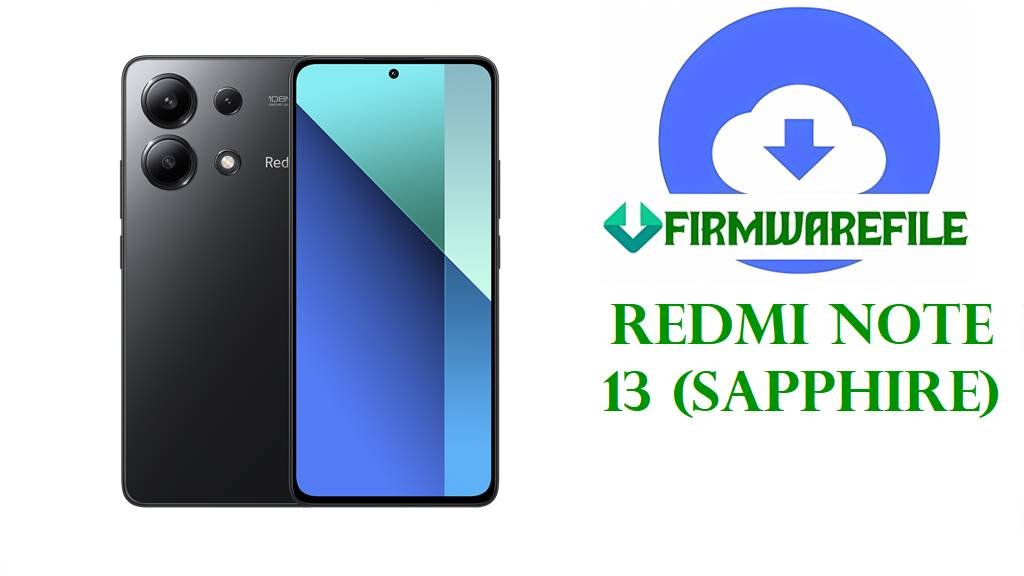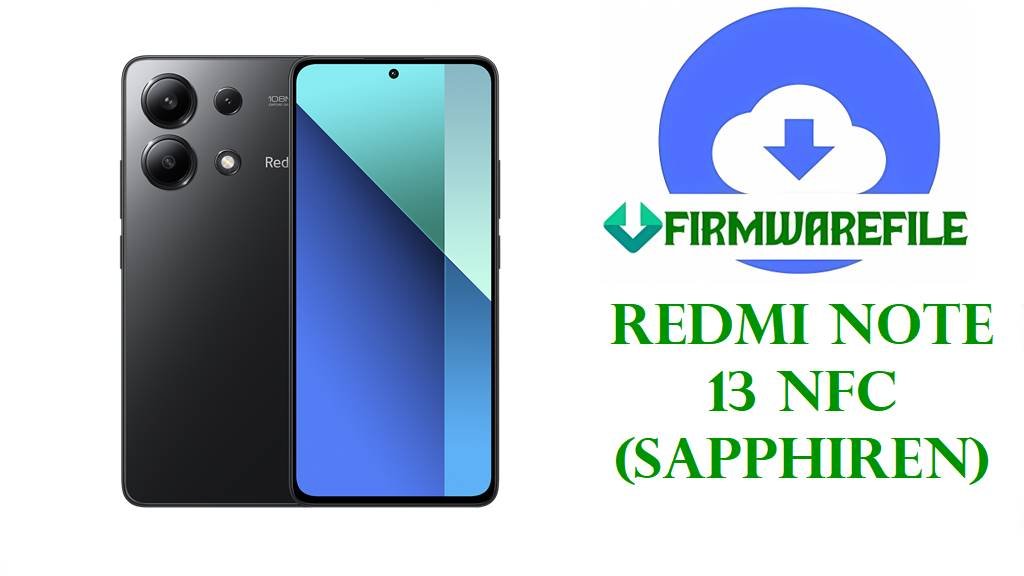
Redmi Note 13 NFC (sapphiren) Stock ROM & Official HyperOS 2 Flash Files
The Redmi Note 13 NFC (codename sapphiren) is a Xiaomi mid‑range smartphone with a 6.67‑inch AMOLED display, Snapdragon 685 chipset, NFC for contactless payments, and a large battery, making it a common choice as a daily driver.
The stock ROM / official firmware flash files below let you clean‑flash HyperOS 2 Android 15, unbrick devices, fix bootloops, and restore stable performance when you use the correct regional fastboot stock firmware or the xiaomi.eu custom stock ROM for advanced users.
Flashing the wrong stock firmware flash file or using the wrong method can permanently brick your Redmi Note 13 NFC, erase all data, break NFC/payments, or stop official OTA updates. Always confirm the model, region code (VNHMIXM, VNHEUXM, VNHIDXM, VNHRUXM, VNHTWXM, VNHTRXM) and Android/HyperOS version before flashing, verify the downloaded stock ROM checksum, back up your data, and follow a trusted fastboot guide to avoid damage.
Download Official Stock Firmware / Flash File for Redmi Note 13 NFC
Here you can download all Redmi Note 13 NFC (sapphiren) HyperOS 2 Android 15 stock firmware packages: official Xiaomi fastboot ROMs (TGZ stock ROM flash files) for Global, EEA, Indonesia, Russia, Taiwan and Turkey, plus the xiaomi.eu multi‑language custom stock ROM based on the Global firmware. Go to Settings > About phone > Version and match the ending of your current build (for example VNHMIXM, VNHEUXM, VNHIDXM, VNHRUXM, VNHTWXM, VNHTRXM) with the stock firmware file name below to avoid cross‑flashing or losing OTA support.
| Filename | Region / Target | File Size | Build Version | Android / HyperOS | Build Date | Flashing Type | Notes (Stock ROM Use) | Download Link |
|---|---|---|---|---|---|---|---|---|
| sapphiren_global_images_OS2.0.206.0.VNHMIXM_20251103.0000.00_15.0_global_ab8bdec2d9.tgz | Global (VNHMIXM) | 7.03GB | OS2.0.206.0.VNHMIXM | HyperOS 2 / Android 15 | 2025‑11‑03 | Official fastboot stock ROM | Primary Global stock firmware / flash file to fix bootloops, remove malware, or upgrade/downgrade within supported HyperOS 2 builds on Global Redmi Note 13 NFC devices. | Download Global Stock ROM OS2.0.206.0 (Mi Cloud Server) |
| sapphiren_eea_global_images_OS2.0.207.0.VNHEUXM_20251107.0000.00_15.0_eea_4f43298236.tgz | EEA / EU (VNHEUXM) | 6.58GB | OS2.0.207.0.VNHEUXM | HyperOS 2 / Android 15 | 2025‑11‑07 | Official HyperOS 2 stock firmware | European EEA stock ROM flash file for EU Redmi Note 13 NFC units; recommended to repair bootloops or reinstall clean official firmware with EU regulations and services. | Download EEA Official Firmware OS2.0.207.0 (Mi Cloud Server) |
| sapphiren_id_global_images_OS2.0.207.0.VNHIDXM_20251107.0000.00_15.0_id_b883293850.tgz | Indonesia (VNHIDXM) | 6.58GB | OS2.0.207.0.VNHIDXM | HyperOS 2 / Android 15 | 2025‑11‑07 | Official stock firmware flash file | Indonesian stock ROM / flash file for VNHIDXM, used to unbrick, fix software errors, or revert from custom ROMs back to official HyperOS stock firmware. | Download Indonesia Stock Firmware OS2.0.207.0 (Mi Cloud Server) |
| sapphiren_ru_global_images_OS2.0.209.0.VNHRUXM_20251107.0000.00_15.0_ru_8fa811bc8c.tgz | Russia (VNHRUXM) | 7.23GB | OS2.0.209.0.VNHRUXM | HyperOS 2 / Android 15 | 2025‑11‑07 | Official Russian stock ROM | Latest Russian official firmware package for Redmi Note 13 NFC, ideal as a full stock ROM flash file to resolve bootloops, severe lag and OS corruption on RU devices. | Download Russia Stock ROM OS2.0.209.0 (Mi Cloud Server) |
| sapphiren_tw_global_images_OS2.0.207.0.VNHTWXM_20251107.0000.00_15.0_tw_790b3e13ef.tgz | Taiwan (VNHTWXM) | 5.55GB | OS2.0.207.0.VNHTWXM | HyperOS 2 / Android 15 | 2025‑11‑07 | Official TW stock firmware | Taiwan‑region official firmware / stock ROM for TW Redmi Note 13 NFC variants, keeping local apps, languages, and OTA update channel intact. | Download Taiwan Official Firmware OS2.0.207.0 (Mi Cloud Server) |
| sapphiren_tr_global_images_OS2.0.207.0.VNHTRXM_20251107.0000.00_15.0_tr_00a54acfac.tgz | Turkey (VNHTRXM) | 6.39GB | OS2.0.207.0.VNHTRXM | HyperOS 2 / Android 15 | 2025‑11‑07 | Official TR stock firmware flash file | Turkey‑market stock firmware for Redmi Note 13 NFC, recommended to restore full official software support and fix OS‑level problems on VNHTRXM units. | Download Turkey Stock Firmware OS2.0.207.0 (Mi Cloud Server) |
| xiaomi.eu_SAPPHIREN_OS2.0.206.0.VNHMIXM_15.zip | xiaomi.eu custom stock ROM (Global‑based) | 4.70GB | OS2.0.206.0.VNHMIXM (xiaomi.eu) | HyperOS 2 / Android 15 | Based on 2025‑11 Global | Recovery / fastboot flashable firmware | Community‑maintained xiaomi.eu custom stock firmware with extra languages, reduced bloat and tweaks, for advanced users with unlocked bootloader and custom recovery. | Download xiaomi.eu HyperOS 2 Stock ROM (SourceForge) |
Redmi Note 13 NFC Firmware Details
| Device Name | Redmi Note 13 NFC (4G) |
|---|---|
| Codename / Model | sapphiren – Redmi Note 13 NFC global variants. |
| Chipset | Qualcomm Snapdragon 685, supported directly by these official HyperOS 2 stock firmware packages. |
| Display | 6.67‑inch AMOLED FHD+ with high refresh rate, shared across all listed stock ROM regions. |
| Battery | Large fast‑charging battery; firmware updates and clean stock ROM installs aim to reduce drain and stabilize standby usage. |
| Software | MIUI / HyperOS builds, with current official stock ROMs based on HyperOS 2 Android 15 in fastboot flash file format. |
| Common Issues | Battery drain, overheating, UI lag, app crashes, and bootloops after failed OTA or flashing incorrect firmware. |
| Purpose of These Files | Use these stock firmware flash files to unbrick, fix bootloops, remove root or mods, and restore clean official software per region. |
| Flashing Tools | Mi Flash Tool or fastboot for TGZ stock ROMs; custom recovery/fastboot for xiaomi.eu stock firmware ZIP. |
| Bootloader Status | Official stock ROMs usually support locked bootloaders for same‑region devices; xiaomi.eu requires unlocked bootloader. |
Flashing Requirements
- Backup important data: Flashing any stock ROM or official firmware may wipe apps and internal storage, so back up first.
- Charge to 50%+: Keep the battery sufficiently charged and use a reliable USB cable/port when flashing stock firmware flash files.
- Install drivers & tools: Set up Xiaomi/Qualcomm USB drivers and Mi Flash / fastboot tools on a Windows PC before flashing the stock ROM.
- Match region & version: Always download the exact official firmware that matches your region code and codename sapphiren.
How to Flash the Firmware
Method 1: Flash Official HyperOS 2 Stock ROM (Fastboot / Mi Flash Tool)
- Download & extract stock firmware: Get the correct
sapphiren_*_images_OS2.0.xxx.VNHxxxx_15.0_*.tgzstock ROM from the links and extract it until you seeimagesandflash_all.bat. - Install drivers & enter fastboot: Install Xiaomi/Qualcomm drivers, power off your phone, then hold Volume Down + Power to enter fastboot mode and connect via USB.
- Load firmware in Mi Flash: Open Mi Flash Tool, select the extracted stock firmware folder, and choose the clean all option for a fresh official firmware install.
- Flash the stock ROM: Click Flash to install the official stock ROM; do not disconnect or power off until Mi Flash shows success.
- Reboot & configure: When done, the phone reboots into HyperOS 2; wait several minutes for first boot and then set up your apps again.
For a complete step‑by‑step tutorial with screenshots on flashing Xiaomi stock firmware fastboot ROMs, visit: Full Guide – How to Flash Xiaomi Stock ROM / Official Firmware.
Method 2: Flash xiaomi.eu SAPPHIREN Custom Stock ROM (Advanced Users)
- Unlock bootloader: Use Xiaomi’s unlock tool to unlock your Redmi Note 13 NFC bootloader before installing the xiaomi.eu custom stock firmware.
- Install custom recovery: From fastboot, flash a compatible custom recovery for sapphiren and boot into it.
- Copy the ROM ZIP: Transfer
xiaomi.eu_SAPPHIREN_OS2.0.206.0.VNHMIXM_15.zipto the device or prepare for ADB sideload. - Wipe & flash firmware: In recovery, wipe data/cache as recommended, then install the xiaomi.eu stock‑based ROM ZIP and wait for completion.
- Boot into system: Reboot; the first boot of the xiaomi.eu HyperOS 2 stock ROM can take longer while apps and tweaks are applied.
For more details on custom ROM flashing, check the official xiaomi.eu and community guides for HyperOS devices.
Frequently Asked Questions (FAQs)
What problems can this Redmi Note 13 NFC stock ROM fix?
The correct official stock firmware can fix bootloops, remove root or custom ROM issues, restore system apps, and often improve battery and performance when previous updates or mods corrupted the OS.
Are these files official firmware or custom ROMs?
The TGZ files with _images_OS2.0.x.x.VNHxxxx_15.0_ are official Xiaomi stock firmware / stock ROM fastboot packages, while the xiaomi.eu ZIP is a custom stock‑based ROM maintained by the community.
Will flashing stock firmware erase my data?
Using clean‑flash options in Mi Flash and most stock ROM scripts will wipe user data, so always back up photos, chats, and documents before flashing any official firmware or flash file.
Can I downgrade HyperOS using these stock ROMs?
Downgrading is risky because of anti‑rollback; only flash stock firmware that is equal or newer than your current ARB level and always match the region to avoid bricking the phone.
What is the difference between “stock ROM,” “stock firmware,” and “flash file” here?
On Redmi Note 13 NFC, all three terms refer to the same official firmware packages containing system, boot, vendor and other partitions needed to reinstall the factory HyperOS 2 Android 15 OS.
Is it safe to install Global stock firmware on an EEA or Russian device?
Cross‑flashing Global on EEA or RU devices may break OTA updates or fail due to region locks, so it is safest to use the official firmware that matches your original region code.
What if my phone is hard‑bricked and cannot enter fastboot?
If the device does not enter fastboot, standard stock ROM flash files will not help; you may need authorized EDL flashing or a professional service center with Xiaomi tools.