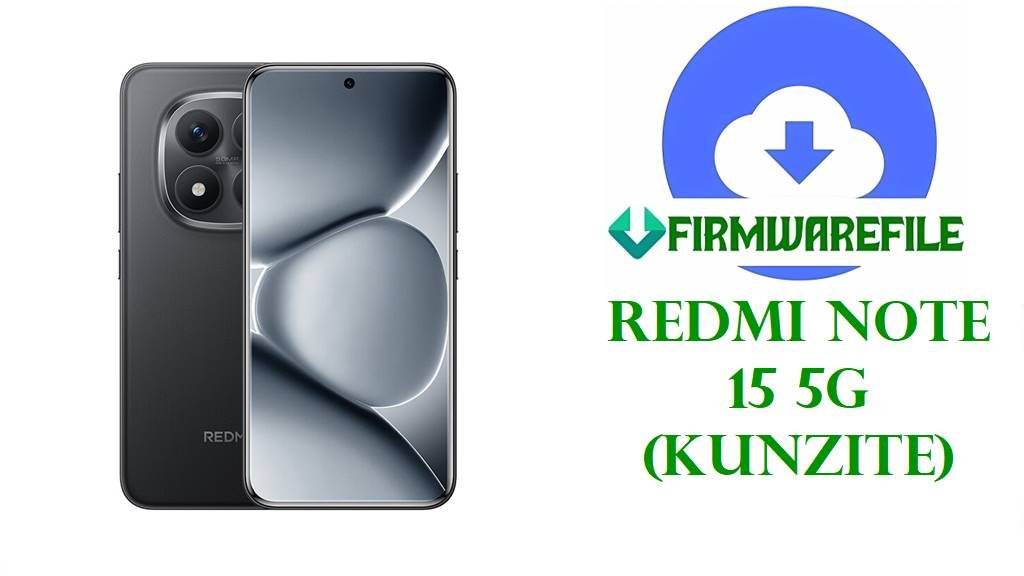
Redmi Note 15 5G (kunzite) OS2.0.206.0 VPQCNXM Fastboot Firmware: Restore, Unbrick, & Upgrade Guide
Is your Redmi Note 15 5G (codenamed kunzite) stuck in a bootloop, showing the new HyperOS bugs, or refusing to take official OTA updates? Reliable device restoration starts with downloading official Xiaomi/Redmi Fastboot firmware—especially when system errors, heavy bricking, or severe software conflicts prevent normal operation.
This page delivers the original Fastboot firmware (OS2.0.206.0.VPQCNXM, October 2025) for the Redmi Note 15 5G China model. This ROM is perfect for:
- Resolving deep bootloops, black screen, and heavy system crashes
- Recovering from failed HyperOS or root/custom mod attempts
- Upgrading cleanly to Android 15 / HyperOS 2.0
- Going back to 100% official Xiaomi/Redmi system software
If you’ve encountered Google Play Service errors, sudden 5G drops, or touchscreen freezes after recent OS updates, this ROM can help restore your phone’s stability.
Do NOT attempt to flash this file on global, India, or other non-China devices; this can PERMANENTLY brick your phone.
Always verify your device’s region and codename before flashing.
Flashing this firmware wipes ALL data including internal storage. BACKUP everything!
Redmi Note 15 5G (kunzite): Official Hardware & Software Info
| Detail | Information |
|---|---|
| Device Name | Redmi Note 15 5G |
| Codename | kunzite |
| Model | China variant only |
| Chipset | Qualcomm SM6475-AB Snapdragon 6 Gen 3 (4 nm), Octa-core (4×2.4GHz Cortex-A78 & 4×1.8GHz Cortex-A55), GPU: Adreno 710 |
| Android Version | Android 15 (HyperOS 2.0) |
| Display | 6.67-inch FHD+ AMOLED, 120Hz (typical configuration for Note 15 5G China) |
| Battery | 5000 mAh (typical, with 67W fast charge) |
| File Name | kunzite_images_OS2.0.206.0.VPQCNXM_20251022.0000.00_15.0_cn_bd5c880190.tgz |
| Firmware Version | OS2.0.206.0.VPQCNXM |
| Build/Release Date | 2025-10-22 |
| File Size | 7.21 GB (Fastboot ROM, archive format .tgz) |
| Flash Tool | Mi Flash Tool (official Xiaomi Fastboot flashing method) or compatible |
| Required PC OS | Windows 7, 8, 10, or 11 x64 |
| Other Notable Specs | 5G Dual SIM, Side fingerprint, AI triple camera system, IR blaster |
Redmi Note 15 5G Firmware Download
| Filename | Build/Region | Android | Flash Method | Size | Release Date | Download |
|---|---|---|---|---|---|---|
| kunzite_images_OS2.0.206.0.VPQCNXM_20251022.0000.00_15.0_cn_bd5c880190.tgz | China / OS2.0.206.0 | 15 | Fastboot | 7.21GB | 2025-10-22 | Direct Download |
Note: This is currently the latest stable China fastboot firmware as of November 2025. No newer or older releases are yet available for this build/codename.
Before You Begin ⚙️
- 💾 Backup Data: Flashing will erase all user files, apps, and settings. Save your photos, messages, and documents elsewhere.
- 🔋 Charge Battery: Ensure your device’s battery is at least 60%.
- 💻 PC Ready: You must use a Windows PC with Mi Flash Tool installed.
- 🧩 Drivers: Install latest Qualcomm drivers before connecting your device.
- ✅ Device Unlock: Your phone MUST be bootloader unlocked to flash Fastboot firmware.
📱 Quick Flashing Guide (Fastboot Firmware)
- Download the file
kunzite_images_OS2.0.206.0.VPQCNXM_20251022.0000.00_15.0_cn_bd5c880190.tgzto your PC and extract it. - Boot your Redmi Note 15 5G into Fastboot mode (power off, then hold Volume Down + Power together).
- Open Mi Flash Tool on your PC, click “Select” and point it to the extracted firmware folder.
- Connect your phone via USB, click “Refresh”, then click “Flash”. Wait patiently for success.
- Once complete, the phone will reboot to the official system. Setup fresh and restore your backup.
For a complete step-by-step flashing tutorial, troubleshooting tips, and driver downloads, see our main guide: Full Tutorial: How to Flash Xiaomi/Redmi Fastboot Firmware
Frequently Asked Questions (FAQs)
- Is it possible to flash this firmware on Global or India units?
No. This ROM is specific to the China-only “kunzite” variant. Flashing on Global/India EEA models will brick your phone. - What should I do if the phone won’t boot after flashing?
Double check that you used the correct firmware and flashing tool. If stuck in bootloop, try a factory reset from Recovery, then reflash. If persistent, hardware test or service center may be needed. - Does this firmware support Google Play?
As a China MIUI/HyperOS build, it lacks Google services by default, but Google apps can be installed manually after first boot for most China Xiaomi phones. - Bootloader lock status after flash?
The device remains unlocked after flashing Fastboot firmware. Re-lock only via official methods, and never on a modified system.