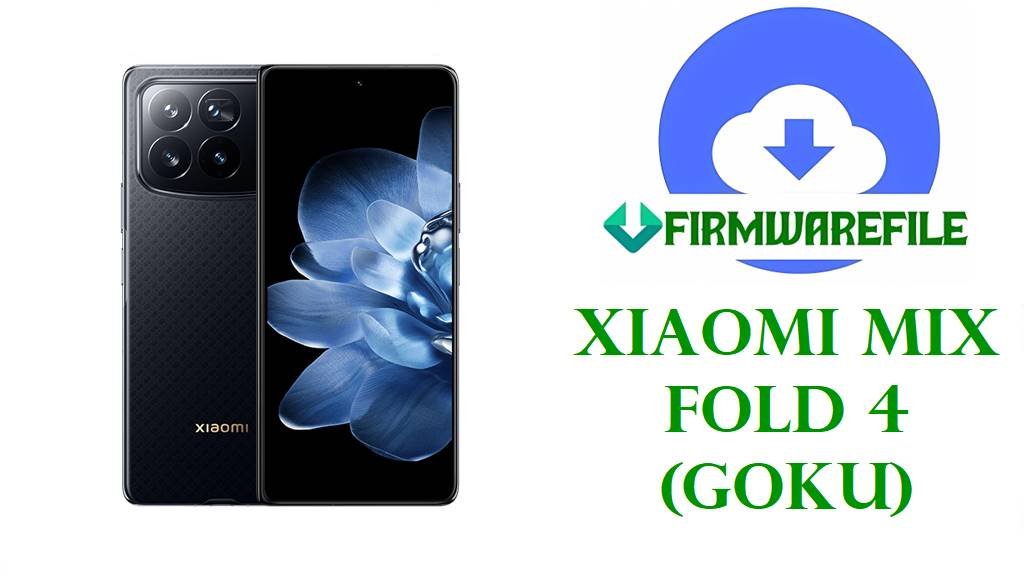
Xiaomi MIX Fold 4 (goku) HyperOS 3 Android 16 Fastboot ROM Download
The Xiaomi MIX Fold 4, codename goku, is a flagship book‑style foldable that pairs a nearly 8‑inch LTPO 120 Hz inner AMOLED with a powerful Snapdragon 8 Gen 3 chipset, up to 16 GB RAM, 1 TB storage, and a triple‑camera system in an ultra‑thin chassis. Certification and codename databases list model 24072PX77C as MIX Fold 4, and all HyperOS packages labeled goku with code WNVCNXM are confirmed to target the China variant only.
The goku_images_OS3.0.3.0.WNVCNXM file below is an official China‑region Fastboot ROM that brings HyperOS 3.0 based on Android 16 to MIX Fold 4, with the firmware listing confirming version OS3.0.3.0.WNVCNXM, Android 16.0, roughly 9.13 GB in size and a late‑November 2025 stable release.
According to HyperOS ROM trackers, this build delivers the latest Android 16 platform changes, updated security patches and system optimizations for MIX Fold 4, making it the recommended base for users who want maximum stability, long‑term support and a clean upgrade path from earlier HyperOS 2 or HyperOS 1 builds.
Download Official Firmware for Xiaomi MIX Fold 4 (goku)
This package is the latest official HyperOS 3 Fastboot ROM for MIX Fold 4 (goku) China, hosted on Xiaomi’s bigota CDN and intended for flashing with Mi Flash Tool or fastboot scripts on an unlocked bootloader. HyperOS firmware trackers describe OS3.0.3.0.WNVCNXM as a stable Android 16 release that rolls in the newest security patches and system optimizations for the MIX Fold 4 platform.
| Filename | Region / Target Variant | Android / HyperOS | Build Date | File Size | Flashing Type | Notes | Download Link |
|---|---|---|---|---|---|---|---|
| goku_images_OS3.0.3.0.WNVCNXM_20251106.0000.00_16.0_cn_3b88804d63.tgz | China – MIX Fold 4 (goku) China (WNVCNXM) | Android 16, HyperOS 3.0.3.0.WNVCNXM | 2025‑11‑06 build (listed release late November 2025) | 9.13 GB | Official Fastboot ROM | Stable Android 16 HyperOS 3 Fastboot image for MIX Fold 4; firmware pages highlight updated security patches and performance optimizations for the China variant. | Download OS3.0.3.0.WNVCNXM (Xiaomi server) |
Xiaomi MIX Fold 4 (goku) Firmware Details
| Device Name | Xiaomi MIX Fold 4 |
|---|---|
| Codename | goku – internal codename confirmed for MIX Fold 4 and all WNVCNXM Fastboot/Recovery ROMs. |
| Model Identifiers | 24072PX77C for China variants, listed as “Xiaomi MIX Fold 4 (Xiaomi Goku)” in device databases and certification trackers. |
| Chipset | Qualcomm Snapdragon 8 Gen 3 (4 nm) with Adreno 750 GPU, delivering top‑tier performance and AI capabilities. |
| Displays | Large inner LTPO AMOLED foldable panel with high refresh rate and a secondary outer display for quick interactions and notifications. |
| Battery & Charging | High‑capacity dual‑cell battery with flagship‑class fast wired charging designed to cover a full heavy day of mixed folding and multitasking. |
| Software Families | Launched with HyperOS 1 on Android 14, then updated to HyperOS 2 on Android 15, and now to HyperOS 3 on Android 16 in China via OS3.0.3.0.WNVCNXM. |
| Main Issues Reported on HyperOS 2 | Users across Xiaomi devices, including high‑end models, report heavy battery drain, overheating, and reduced SOT after some HyperOS 2 updates until a clean install or reset. |
| What OS3.0.3.0.WNVCNXM Brings | Latest stable Android 16 HyperOS 3 release for MIX Fold 4 China, bundling new platform features, security patches and system‑level optimizations for better stability and performance. |
| File Type | Official Xiaomi Fastboot ROM archive (.tgz) with full partition images and Windows batch scripts. |
| Required Tools | Xiaomi Mi Flash Tool on Windows or bundled fastboot scripts like flash_all.bat for manual flashing. |
| Bootloader Status | Bootloader unlock is required for all Fastboot operations; standard OTA/recovery packages typically require a locked, unmodified system. |
| Use Cases | Upgrade Chinese MIX Fold 4 to HyperOS 3 Android 16, recover from bootloops, fix failed OTAs or custom ROM experiments, and restore a clean, stable system. |
Flashing Requirements
- 💾 Backup data: Fastboot flashing will usually wipe apps, accounts and internal storage, so save photos and important files first.
- 🔋 Charge above 50 %: Ensure plenty of battery to avoid shutdowns and potential hard bricks during flashing.
- 💻 Windows PC & USB‑C cable: You need a Windows computer, Xiaomi USB/ADB drivers and a reliable cable for Mi Flash or fastboot.
- 🔓 Unlocked bootloader: Use Xiaomi’s official unlock procedure on MIX Fold 4 (goku) before flashing any goku_images_*.tgz file.
How to Flash the Firmware
Method 1: Xiaomi Mi Flash Tool (Fastboot ROM)
- Install tools & extract the ROM: Install Xiaomi USB drivers and Mi Flash Tool on your PC, then extract goku_images_OS3.0.3.0.WNVCNXM_… to a simple folder path without spaces or special characters.
- Enter fastboot mode on MIX Fold 4: After unlocking the bootloader, power off the phone, hold Volume Down + Power to enter fastboot, and connect the device via USB‑C.
- Load firmware into Mi Flash: Open Mi Flash Tool, click Select and point it to the extracted goku ROM folder that contains the partition images and scripts.
- Choose “clean all” and flash: In Mi Flash options, select “clean all” (do not relock), click Flash and wait patiently while all partitions are written.
- First boot on HyperOS 3: When Mi Flash finishes, the MIX Fold 4 will reboot; the first Android 16 HyperOS 3 boot can take several minutes as apps and data are optimized.
For a complete Mi Flash step‑by‑step guide with screenshots and troubleshooting tips, use: Full Tutorial: Flash Xiaomi Firmware with Mi Flash Tool.
Method 2: Fastboot Script (flash_all.bat)
- Set up Android platform‑tools: Download Google’s platform‑tools and confirm that the fastboot command works from your terminal or Command Prompt.
- Fully unpack the ROM: Extract the .tgz until you see image files and scripts such as flash_all.bat inside the ROM directory.
- Connect MIX Fold 4 in fastboot: Boot the phone into fastboot mode, connect it via USB‑C and verify detection using fastboot devices.
- Run the appropriate script: Execute the “flash all” script that does not relock the bootloader, and wait while it flashes every required partition automatically.
- Reboot & monitor: After rebooting into HyperOS 3, complete setup and monitor battery, performance and thermals for a few days as Android 16 finishes background optimization.
For more background on flash_all.bat scripts and extra safety tips, see: How to Flash Stock Firmware Using a Fastboot Script (flash_all.bat).
Frequently Asked Questions (FAQs)
What MIX Fold 4 problems can OS3.0.3.0.WNVCNXM help fix?
This HyperOS 3 Fastboot ROM can recover MIX Fold 4 from bootloops, severe lag, failed OTAs and many software‑side bugs by reinstalling a clean Android 16 system image.
Is OS3.0.3.0.WNVCNXM only for China MIX Fold 4?
Yes. Firmware trackers clearly mark WNVCNXM as the China region code for MIX Fold 4 (goku), and it should not be flashed on global or EEA units that use different product codes.
Does HyperOS 3 on Android 16 fix HyperOS 2 battery drain?
HyperOS 3 brings updated security patches and system optimizations, and many users see more stable behaviour after a clean flash, but total battery life still depends on apps, signal quality and usage.
Can I install this China ROM on a non‑Chinese MIX Fold 4?
Cross‑flashing China firmware onto global hardware is risky and can break OTAs, local services and even cause bricks if the bootloader is relocked, so it is not recommended unless you fully understand the trade‑offs.
Why is the ROM so large at around 9 GB?
Foldables like the MIX Fold 4 ship with multiple high‑resolution displays, complex system apps and many built‑in features, so complete Fastboot images naturally occupy close to 9–10 GB.
Will I still receive OTAs after flashing this Fastboot ROM?
If you stay on the official WNVCNXM branch and do not modify system partitions, you should continue receiving Chinese OTA updates on MIX Fold 4 after flashing OS3.0.3.0.WNVCNXM.