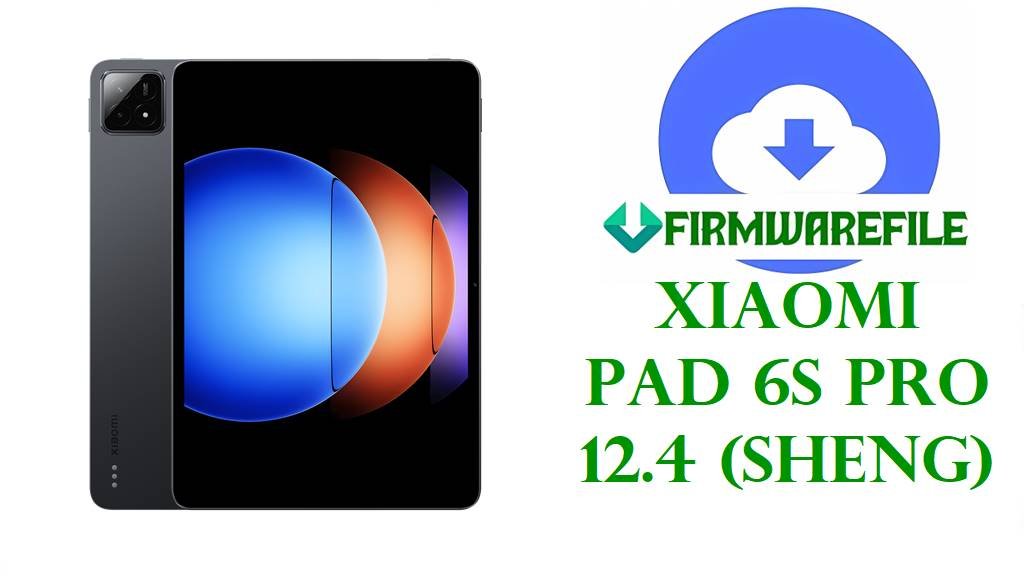
Xiaomi Pad 6S Pro 12.4 (sheng) HyperOS 3 / 2 Fastboot Stock ROMs
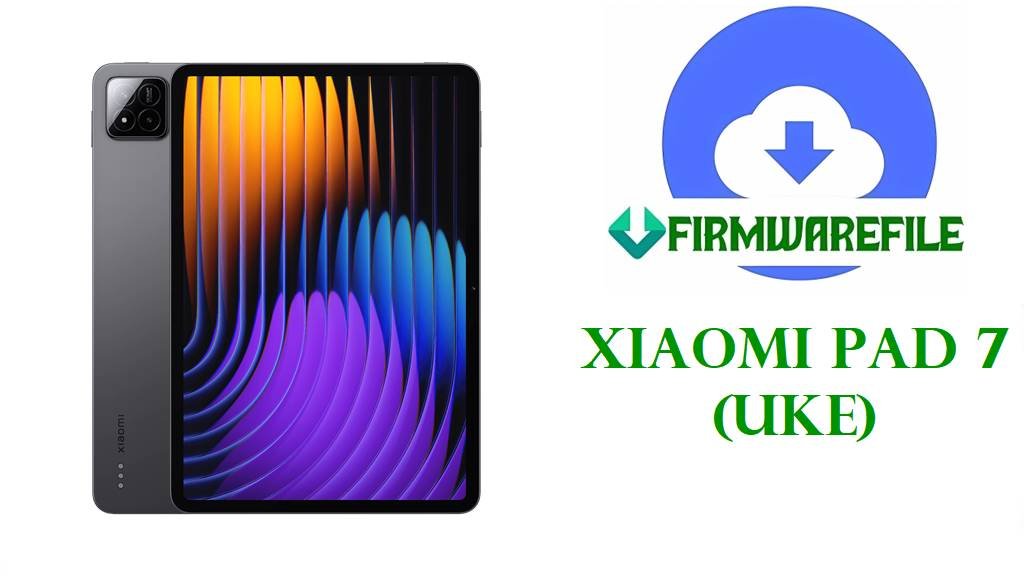
The Xiaomi Pad 6S Pro 12.4, codename sheng, is a high‑end 12.4‑inch tablet with a 3K (3048×2032) 144 Hz IPS display, Snapdragon 8 Gen 2 chipset, up to 16 GB LPDDR5X RAM, UFS 4.0 storage and a 10,000 mAh battery with up to 120 W fast charging on top variants.
Quick ROM picker (start here)
Use this quick checklist so you can jump straight to the correct file and avoid cross‑region flashing.
- Check your build suffix: In Settings → About tablet → Version, note codes such as WNXCNXM (China), WNXMIXM (Global), VNXEUXM (EEA), VNXRUXM (Russia) or VNXIDXM (Indonesia).
- Confirm codename: Make sure the codename is sheng on the same screen or via
fastboot getvar product. Do not use these files on other Xiaomi tablets. - Pick your branch: Choose HyperOS 3
OS3.0.3.0.WNX*(Android 16) for the latest features, or mature HyperOS 2OS2.0.210.0/OS2.0.212.0.VNX*(Android 15) if you prefer a more stable base.
fastboot getvar product. Flashing the wrong firmware, using files meant for other tablets, or interrupting the process can permanently brick the tablet, erase all data and break Wi‑Fi, sensors or camera functions.Download Official Firmware for Xiaomi Pad 6S Pro 12.4 (sheng)
Firmware trackers confirm that sheng is the codename for the Xiaomi Pad 6S Pro 12.4 (models such as 24018RPACG/24018RPACC), with HyperOS 1, 2 and 3 lines including OS1.0.1.0.UNXCNXM, OS2.0.20x.0.VNX* and OS3.0.3.0.WNX* Android 16 builds.
The ROMs below are official Fastboot packages from Xiaomi’s bigota/hugeota CDN for full system restoration on an unlocked bootloader; OS3.0.3.0 brings Android 16 HyperOS 3, while OS2.0.210.0/212.0 are mature Android 15 HyperOS 2 bases for EEA, Russia and Indonesia.
| Filename | Region / Target Variant | Build Version | Android Version | Build Date | File Size | Flashing Type | Notes | Download Link |
|---|---|---|---|---|---|---|---|---|
| sheng_images_OS3.0.3.0.WNXCNXM_20251105.0000.00_16.0_cn_76a1c68111.tgz | China – Xiaomi Pad 6S Pro 12.4 CN (WNXCNXM) | OS3.0.3.0.WNXCNXM | Android 16 (HyperOS 3.0) | 2025‑11‑05 | 8.85 GB | Official Fastboot ROM (.tgz) | Chinese HyperOS 3 Android 16 Fastboot package for sheng; OS3.0.3.0.WNXCNXM is listed as a stable Android 16 release for this branch. | Download OS3.0.3.0 WNXCNXM (Xiaomi server) |
| sheng_global_images_OS3.0.3.0.WNXMIXM_20251118.0000.00_16.0_global_f86dcdfaaf.tgz | Global – Xiaomi Pad 6S Pro 12.4 Global (WNXMIXM) | OS3.0.3.0.WNXMIXM | Android 16 (HyperOS 3.0 Global) | 2025‑11‑18 | 7.05 GB | Official Fastboot ROM (.tgz) | Global HyperOS 3 Android 16 Fastboot ROM; shown as the first Android 16 stable Fastboot build for global sheng. | Download OS3.0.3.0 WNXMIXM Global (Xiaomi server) |
| sheng_eea_global_images_OS2.0.212.0.VNXEUXM_20251106.0000.00_15.0_eea_3e1d3cda1b.tgz | EEA – Xiaomi Pad 6S Pro 12.4 Europe (VNXEUXM) | OS2.0.212.0.VNXEUXM | Android 15 (HyperOS 2.0 EEA) | 2025‑11‑06 | 6.75 GB | Official Fastboot ROM (.tgz) | Late HyperOS 2 Android 15 EEA Fastboot ROM; VNXEUXM is the dedicated European branch for sheng. | Download OS2.0.212.0 VNXEUXM EEA (Xiaomi server) |
| sheng_ru_global_images_OS2.0.210.0.VNXRUXM_20251106.0000.00_15.0_ru_480360f5de.tgz | Russia – Xiaomi Pad 6S Pro 12.4 Russia (VNXRUXM) | OS2.0.210.0.VNXRUXM | Android 15 (HyperOS 2.0 Russia) | 2025‑11‑06 | 7.36 GB | Official Fastboot ROM (.tgz) | Russian Android 15 Fastboot package; OS2.0.210.0.VNXRUXM sits near the top of the VNXRUXM stable track. | Download OS2.0.210.0 VNXRUXM Russia (Xiaomi server) |
| sheng_id_global_images_OS2.0.210.0.VNXIDXM_20251107.0000.00_15.0_id_d265db7b62.tgz | Indonesia – Xiaomi Pad 6S Pro 12.4 Indonesia (VNXIDXM) | OS2.0.210.0.VNXIDXM | Android 15 (HyperOS 2.0 Indonesia) | 2025‑11‑07 | 6.70 GB | Official Fastboot ROM (.tgz) | Indonesian HyperOS 2 Android 15 Fastboot ROM for sheng; VNXIDXM is the dedicated Indonesian line in HyperOS archives. | Download OS2.0.210.0 VNXIDXM Indonesia (Xiaomi server) |
Xiaomi Pad 6S Pro 12.4 (sheng) Firmware Details
| Device Name | Xiaomi Pad 6S Pro 12.4 (Wi‑Fi tablet). |
|---|---|
| Codename | sheng – internal codename used by all listed HyperOS 1/2/3 firmware builds. |
| Model Identifiers | Examples: 24018RPACG / 24018RPACC for standard and top Wi‑Fi editions recorded as “Xiaomi Sheng”. |
| Chipset | Qualcomm Snapdragon 8 Gen 2 (SM8550‑AB), octa‑core 4 nm CPU with Adreno 740 GPU. |
| Display | 12.4‑inch 3K IPS LCD, 3048×2032 resolution, 144 Hz refresh rate and Gorilla Glass 5 protection. |
| Battery & Charging | 10,000 mAh Li‑Po battery with up to 120 W wired charging on higher variants. |
| Memory & Storage | Configurations up to 16 GB LPDDR5X RAM and 1 TB UFS 4.0 storage depending on model. |
| Audio & Cameras | Six speakers with haptic feedback and a rear 50 MP + 2 MP camera plus 32 MP front camera. |
| Software Families | Ships with Android 14 + HyperOS 1 (OS1.0.1.0.UNXCNXM), updated to Android 15 HyperOS 2 (OS2.0.20x.0.VNX*) and then Android 16 HyperOS 3 via OS3.0.3.0.WNX* firmware. |
| Main Issues Reported | Across HyperOS devices, users report increased battery drain, heat and UI lag on some releases until they reset, debloat or clean‑flash a stable ROM. |
| Role of These ROMs | Provide clean Android 15/16 images for Wi‑Fi sheng units to unbrick, fix failed OTA updates and start fresh before enabling future OTAs. |
| File Types | Official Fastboot archives (.tgz) including full partition images and Windows scripts for flashing. |
| Required Tools | Xiaomi Mi Flash Tool on Windows or Android platform‑tools fastboot with flash_all.bat scripts. |
| Bootloader Status | Bootloader must be unlocked for Fastboot flashing; OTA/recovery packages target locked, stock devices. |
| Use Cases | Unbrick soft‑bricked pads, resolve bootloops and failed HyperOS updates, downgrade from early HyperOS builds or upgrade safely to HyperOS 3 Android 16. |
Before You Begin ⚙️
- 💾 Backup data: Fastboot flashes usually wipe apps, accounts and internal storage, so copy your photos and important files first.
- 🔋 Charge battery: Make sure your Pad 6S Pro 12.4 has at least 50 % battery to avoid shutdowns and potential hard‑bricks during flashing.
- 💻 Windows PC & drivers: Install Xiaomi USB/ADB drivers, Android platform‑tools and use a reliable USB‑C cable.
- 🔓 Unlock bootloader: Use Xiaomi’s official unlock tool and confirm
fastboot getvar productreturns sheng with a matching region suffix before flashing.
📱 How to Flash the Firmware
Method 1: Xiaomi Mi Flash Tool (Fastboot ROMs)
- Download & extract: Get the correct
sheng_*_images_OS3.0.3.0.WNX*orOS2.0.21x.0.VNX*.tgzfile for your region and extract it to a simple folder such asC:\ROM\sheng. - Install Mi Flash & drivers: Install Xiaomi USB/ADB drivers and Mi Flash Tool on your Windows PC.
- Enter fastboot mode: Power off the tablet, hold Volume Down + Power until fastboot appears, then connect to the PC via USB‑C.
- Flash the ROM: Open Mi Flash, click Select and choose the extracted ROM folder, set the option to “clean all” (do not relock), then click Flash and wait until the process completes.
- Reboot & update: Let the Pad 6S Pro reboot into HyperOS, complete setup and then check for newer OTAs in Settings → About tablet → System update.
For a full Xiaomi Mi Flash walkthrough with screenshots and troubleshooting tips, see: Full Tutorial: Flash Xiaomi Firmware with Mi Flash Tool .
Method 2: Fastboot Script (flash_all.bat)
- Prepare platform‑tools: Install Google’s Android platform‑tools and confirm the
fastbootcommand runs in your terminal or Command Prompt. - Fully extract the ROM: Unpack the Fastboot
.tgzuntil you see partition images and scripts such asflash_all.batinside the sheng ROM folder. - Connect in fastboot: Boot the tablet into fastboot mode, connect it via USB‑C and verify
fastboot deviceslists your device. - Run the script: Execute the
flash_all.batvariant that keeps the bootloader unlocked, then wait while it automatically flashes all partitions. - Finish setup & monitor: After reboot, complete Android setup and monitor battery life, performance and heat for a few days as HyperOS 2/3 finishes background optimisation.
For in‑depth guidance on flash_all.bat and safe Fastboot flashing, refer to: Full Tutorial: Flash Stock Firmware Using a Fastboot Script (flash_all.bat) .
Frequently Asked Questions (FAQs)
What problems can these sheng HyperOS ROMs fix?
A clean Fastboot flash of the correct regional ROM can fix bootloops, failed HyperOS updates, severe lag from corrupted system files and many battery or standby drain issues caused by buggy or heavily modified firmware.
Should I use Android 15 HyperOS 2 or Android 16 HyperOS 3?
HyperOS 2 Android 15 builds like OS2.0.212.0.VNXEUXM are mature and stable, while HyperOS 3 OS3.0.3.0.WNX* brings Android 16 with UI changes and further optimisation; if your apps support Android 16 and you want the latest features, HyperOS 3 is usually the better choice.
How do I choose the right file for my Pad 6S Pro 12.4?
In Settings → About tablet → Version, confirm the codename is sheng and note the region suffix (WNXCNXM, WNXMIXM, VNXEUXM, VNXRUXM or VNXIDXM), then only flash Fastboot ROMs whose codes match exactly.
Can these updates completely remove heating during gaming?
Newer HyperOS builds and a clean install can reduce background load, but Snapdragon 8 Gen 2 and a 144 Hz 3K panel still produce heat under heavy gaming, so using moderate graphics, limiting background apps and avoiding long sessions while charging remains important.
Is the Xiaomi Pad 6S Pro 12.4 Wi‑Fi only?
Yes, spec and codename databases list sheng variants as Wi‑Fi tablets without cellular radios, so these ROMs do not add SIM or mobile data support.
Will I keep getting OTAs after flashing a Fastboot ROM?
As long as you stick to official HyperOS ROMs for the correct region and avoid heavy system modifications, your sheng tablet should continue receiving OTA updates normally on the same branch.